



Latest Version
Nektony LLC
Tools
Mac
Free
1032755628
Report a Problem
More About Duplicate File Finder Remover
If you are constantly battling storage warnings on your Mac, Duplicate File Finder Remover by Nektony LLC provides a straightforward, highly visual solution to reclaim lost gigabytes. Rather than forcing you to dig through nested system directories manually, this utility automates the tedious process of locating identical photos, documents, archives, and audio tracks scattered across your internal and external storage drives.
The Primary Advantage: Rapid Visual Scanning
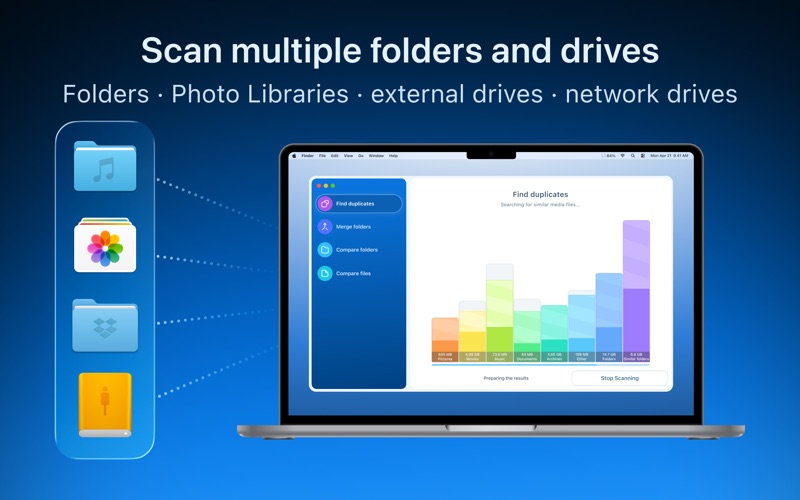
The standout capability of this tool is its speed and visual clarity. Users can simply drag and drop folders, entire volumes, or multiple Photos Libraries directly into the interface to initiate a scan. Within minutes, the application generates a comprehensive breakdown categorizing duplicate items by file type. This allows you to see exactly where your storage is bottlenecked, whether it is clogged with duplicate high-definition videos, redundant zip archives, or repeated music tracks.
Core Features of the Free Edition
The standard version of the software provides a robust set of features suitable for general system cleanup:
- Multi-Drive Support: Scan external hard drives, network folders, and multiple storage volumes simultaneously.
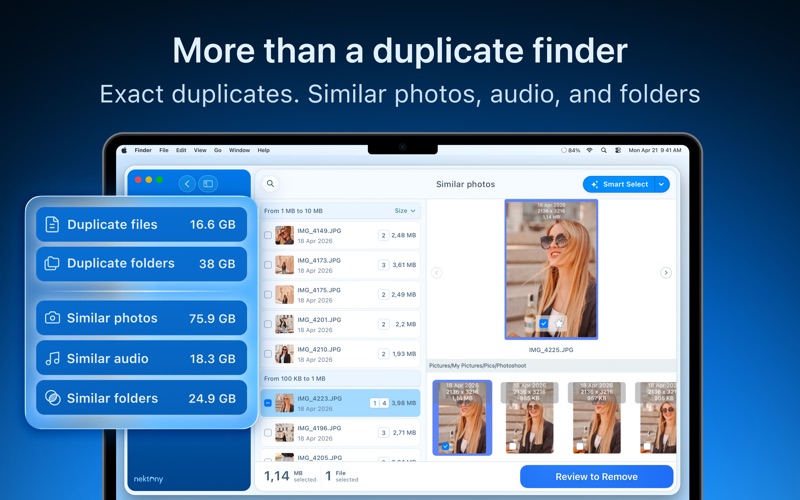
- Media Matching: Locate not just identical files, but also similar images and audio tracks that are cluttering your libraries.
- Advanced Skip Lists: Exclude critical folders, specific file extensions, or system directories from the scanning process to ensure safety.
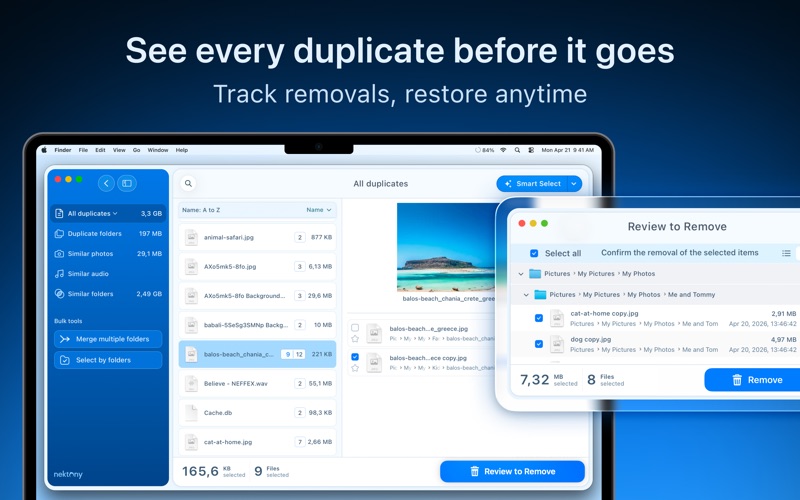
- Granular Sorting: Organize scan results by file size, name, date, type, or duplicate count before making deletion decisions.
- Built-In Preview: Use the Quick Look integration to inspect files visually before removing them.
Unlock Advanced Cleanup with Pro
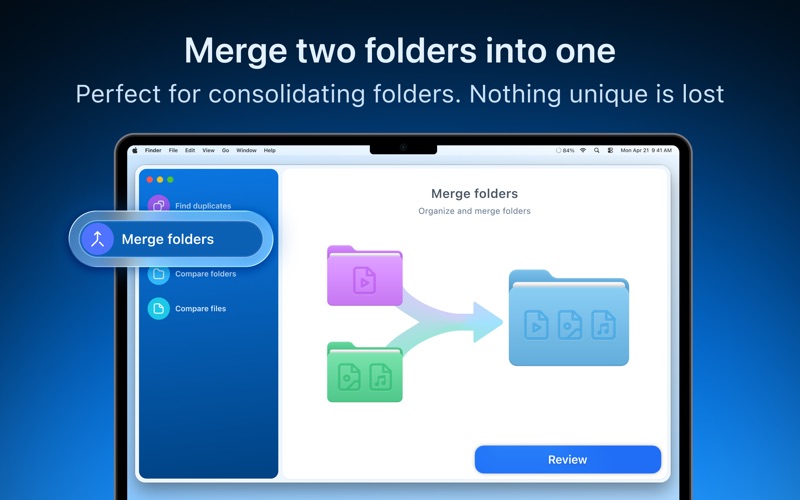
For users dealing with massive folder structures, an optional in-app purchase to the Pro version introduces deeper automation and management utilities. The Pro upgrade enables the automatic selection of duplicate folders, allowing you to merge two directories seamlessly without losing unique files. It also unlocks bulk selection tools, the ability to restore accidentally removed files from the history, and customizable relocation options to move duplicates to dedicated archive folders rather than the system Trash.
Is It Right for You?
Whether you are a photographer managing thousands of raw files or a casual user trying to clean up your local downloads, this tool offers a secure, controlled way to optimize your Mac's storage. To see how much space you can reclaim, check out the official Mac App Store page to explore the capabilities of Duplicate File Finder Remover.
Rate the App
User Reviews














Popular Apps









Editor's Choice